Create Swords Getting Started
A complete first-hour plan for ADEM Games' Roblox forge simulator.
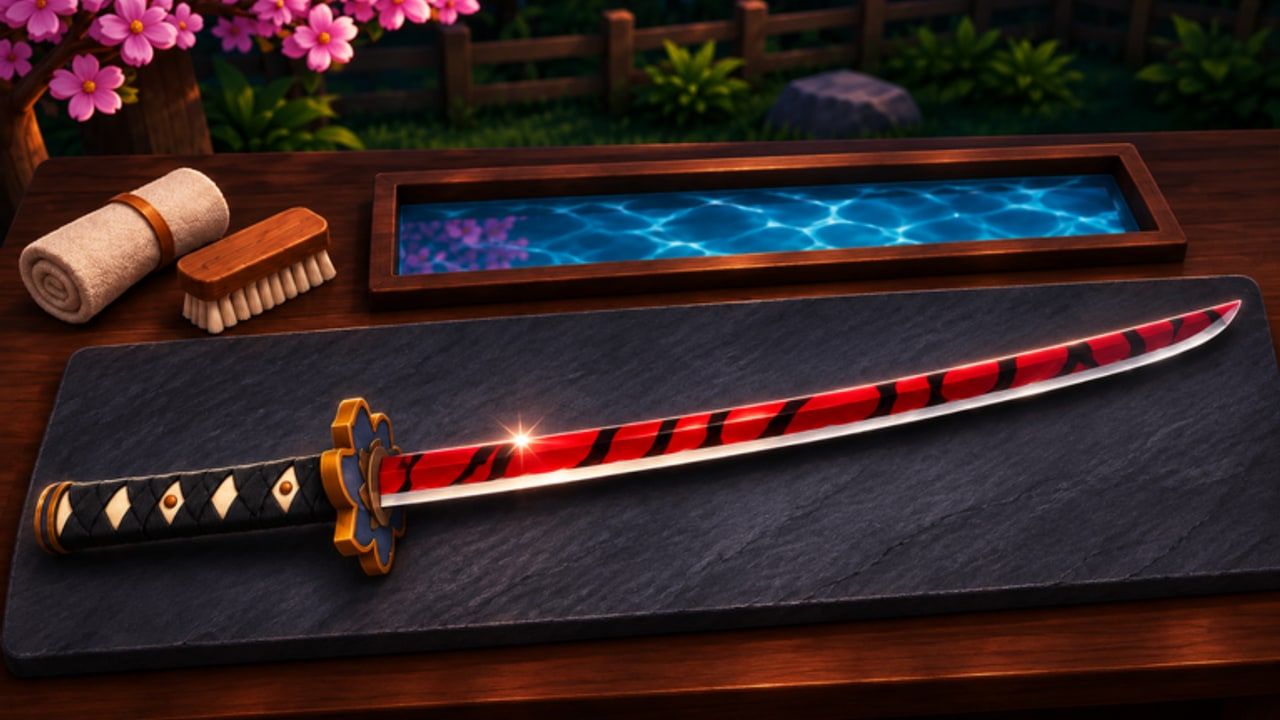
Welcome to Create Swords
Create Swords! is a Roblox incremental simulator by the ADEM Games group. You roll rare metals, forge swords by hand, sell finished blades, hire workers, and eventually supply legendary swordsmen while building a sword empire. The experience launched on October 6, 2026, supports up to six players per server, and sits in the Simulation / Incremental Simulator genre.
This beginner guide gets you from a fresh join to a stable income loop without wasting early coins.
Minute 0–5: redeem codes and learn the lobby
- Join from the official Roblox page for Create Swords.
- Open the Codes menu and redeem every active code on the Codes Hub — start with
THANKSGIVINGfor 2x coins, thenSWORDSand1KCCU. - Walk the lobby once. Note the metal roll station, forge anvil, sell booth, and worker hire board.
- Do not buy cosmetics yet. Every early coin should feed production.
A Thanksgiving 2x coin window is the strongest day-one boost available during the holiday event. Redeem it before your first big sales so the multiplier applies to early forging income.
Minute 5–20: first metals and first forge
Create Swords starts you with basic rolls. Use them immediately:
- Roll metals until you have enough stock for a few practice swords.
- Take the materials to the forge and complete a hand-forge cycle so you learn the timing.
- Sell the finished swords at the basic buyer.
- Repeat until you can afford forge speed or quality upgrades listed in the shop.
Hand forging teaches quality control before workers take over. Even after automation, you will return to the anvil for high-rarity metals that deserve careful crafts. Read How to Forge Swords once you finish three successful sales.
Minute 20–40: hire your first worker
Workers are the tipping point from click-heavy play into empire play. Buy the cheapest reliable worker as soon as coin flow stabilizes. One worker forging common blades while you focus on metal rolls is worth more than two idle upgrades you barely use.
Priorities after the first hire:
- Keep the worker supplied with metals (see the Metals & Rolling Guide).
- Sell completed stock often enough that the inventory does not clog.
- Save for a second worker only after forge upgrades make each craft faster.
Full staffing advice lives on the Hire Workers page.
Minute 40–60: sell smarter, not just more
Early players dump every sword into the nearest buyer. That works for cash flow, but Create Swords also lets you sell to stronger customers and legendary swordsmen when blade quality rises. Hold a few higher-rarity swords when you are close to unlocking better buyers. The Sell Swords & Economy guide explains when holding stock beats instant sales.
Use this simple rule of thumb:
- Common blades → sell immediately to fund rolls and workers.
- Uncommon and rare blades → sell to the highest unlocked buyer.
- Event or showcase blades → check the tier list before underpricing them.
Controls and platform tips
Create Swords runs on Roblox for PC, mobile, and console through the same place file. On mobile, pin the Codes and shop buttons so you do not lose them under the joystick. On PC, keep the forge camera angled so you can see both the anvil feedback and the worker stations.
Server size is six players. Busy Thanksgiving servers can feel crowded near the roll station — if rolls feel contested, hop servers rather than fighting the crowd.
First-hour checklist
- Redeem
THANKSGIVING,SWORDS, and1KCCU - Complete at least five hand-forged swords
- Buy one worker and keep them busy
- Unlock or notice the next buyer tier
- Bookmark Codes, Guides, and Updates
- Skim the tier list so you recognize valuable metals
Common beginner mistakes
Ignoring codes. Free 2x coins change the entire first hour.
Buying cosmetics early. Looks cool, slows the empire.
Rolling without a sell plan. Metals sitting unused are dead capital.
Hiring too many workers before forge speed upgrades. Staff without throughput creates queues, not profit.
Skipping the metals guide. Not every roll deserves a forge slot — scrap or sell weak materials when the shop allows it.
What to read next
- Metals & Rolling Guide
- How to Forge Swords
- Hire Workers
- Sell Swords & Economy
- Players & Community for group rewards and social tips
Create Swords rewards steady production more than lucky one-off crafts. Follow this getting-started route, then specialize with the advanced guides as your forge floor fills with workers and rare metals.
Frequently Asked Questions
Quick answers for Create Swords forgers.
Is Create Swords free to play on Roblox?
Yes. Create Swords! is a free Roblox experience by ADEM Games. Optional purchases may exist, but codes and forging cover the core loop.
What should I buy first in Create Swords?
After redeeming codes, invest in forge speed or your first worker before cosmetics so income compounds.
How long is a typical Create Swords session?
Community tracking around Thanksgiving 2026 showed average sessions near 25–29 minutes, long enough to forge, hire, and sell in one sitting.
Where do I find new Create Swords codes?
Check the Codes Hub on this wiki and the official Roblox game description after updates.